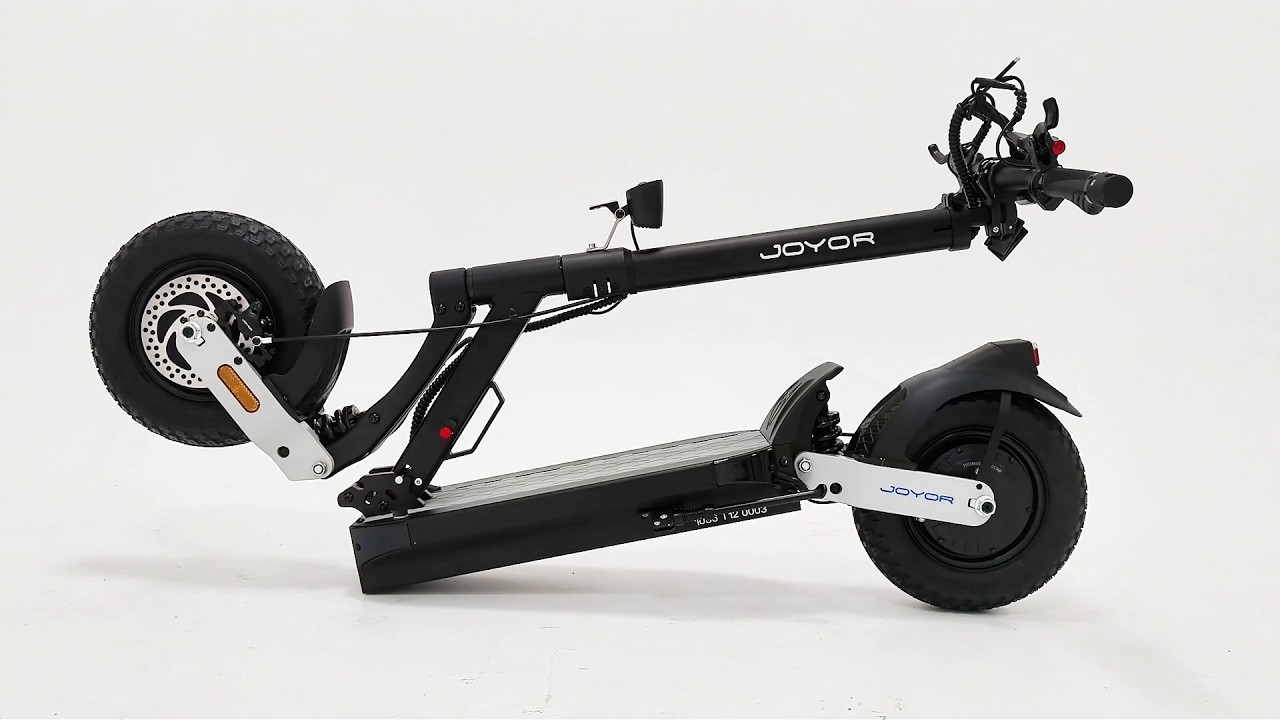
Get an exclusive first look at the upcoming JOYOR T12 Series! Before its official market release, watch the official step-by-step unboxing and assembly guide video to see how to set up your JOYOR T12 or JOYOR T12 Ultra right out of the box.
Official Video Guide: JOYOR T12 & T12 Ultra Assembly
Check out the official unboxing video below to walk through the complete setup process from unboxing to initial powering on:
Video Source: Official JOYOR ESCOOTER YouTube Channel
Step-by-Step Assembly Instructions
1. Unboxing & Stem Tube Preparation
- Carefully open the package box and lift out the folded main frame assembly.
- Open the quick-release clamp ring located on the vertical stem.
- Loosen the inner sunflower screw using the hex key tool to allow vertical tube extension.
- Tighten and adjust the quick-release clamp ring to proper tension once extended.
- Completely remove the sunflower screw to prepare for handlebar installation.
2. Handlebar & Display Assembly
- Position the handlebar unit securely onto the vertical stem tube.
- Re-insert and screw the sunflower screw back in to firmly lock the vertical tube and handlebars in place.
- Tighten the double-pass stem screws evenly on both sides to secure the handlebar alignment.
- Adjust the central display screen to your preferred viewing angle, then tighten the instrument mounting screws beneath it.
- Peel off the protective film covering the central smart display.
3. Unfolding Frame & Securing Locks
- Release the safety buckle located near the folding joint.
- Loosen the main folding handle mechanism and pull up the main standpipe.
- Place one foot firmly on the deck board to secure the scooter body, grip the handlebars with both hands, and push firmly forward until the stem snaps into place.
- Lock the safety buckle tightly to secure the folding system before riding.
4. Power On & Initial Check
- Long-press the multi-function power switch button on the handlebar control pad to power on the central display console.
- Test headlight, rear taillights, and turn indicators to ensure all lighting functions work smoothly.
- Verify smart NFC card functionality for locking and unlocking the vehicle system.
Stay Tuned for the Official Launch
The JOYOR T12 and JOYOR T12 Ultra represent the next evolution in JOYOR’s premium electric mobility lineup. Full official specifications, regional availability, and pre-order pricing details will be released soon.
Bookmark our Official Technical Support Hub to get instant access to full technical manuals, user guides, and maintenance tutorials as soon as the T12 Series officially debuts!